Secure SMTP Authentication for Git and b4 Using GPG-Encrypted netrc
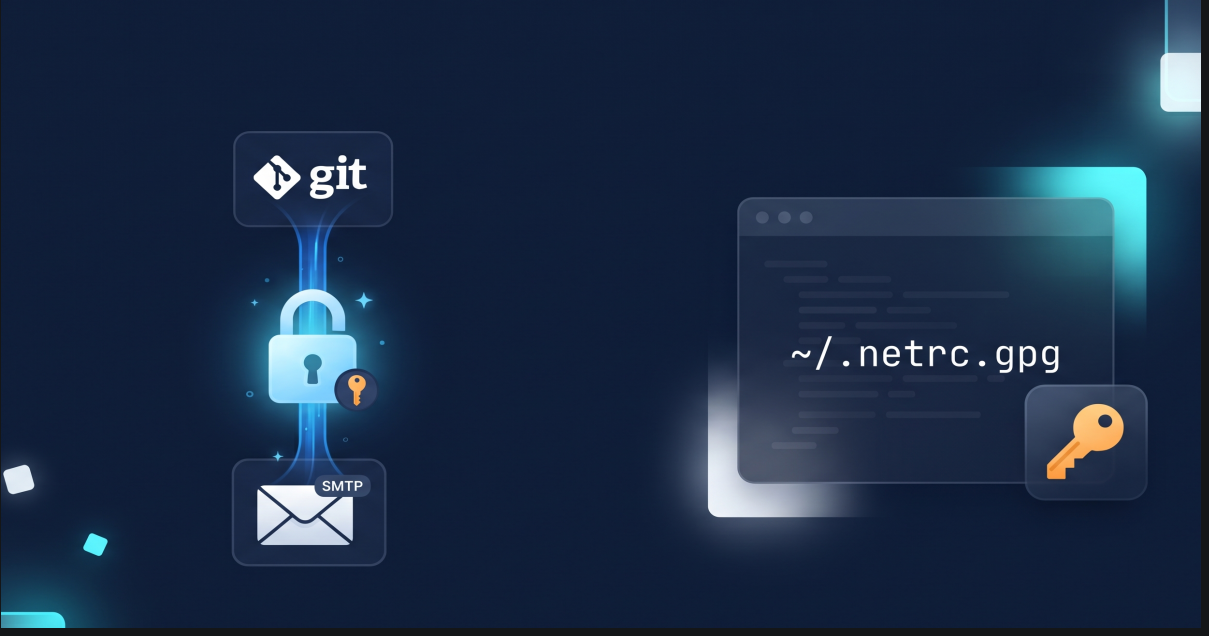
Email-driven patch workflows remain the gold standard across major open-source projects, including the Linux kernel, U-Boot, Buildroot, and QEMU. Tools like git send-email and b4 make preparing, signing, and sending patch series seamless.
However, when submitting patches outside of the Linux kernel mailing list (LKML) infrastructure, or when your email provider enforces Two-Factor Authentication (2FA), managing SMTP credentials securely becomes a critical step.
In this guide, we will explore how to securely store and use SMTP App Passwords using GPG-encrypted .netrc files integrated directly with Git and b4.
The Problem: Web Submission Limits & Plaintext Credentials
1. Kernel.org Web Submission Endpoint Limitations
b4 comes configured by default to submit patches through the public web endpoint (https://lkml.kernel.org/_b4_submit). While this is ideal for kernel subsystem trees, the endpoint strictly verifies destination mailing lists.
If you attempt to submit a patch series to other projects (e.g., buildroot@buildroot.org), the submission will fail:
1
2
3
Reflecting via web endpoint https://lkml.kernel.org/_b4_submit
Error from endpoint: Destinations must include a mailing list we recognize.
CRITICAL: Was not able to send messages.
For non-kernel projects, you must route your patches through your own mail server via SMTP.
2. The 2FA and Plaintext Dilemma
Modern email providers (Google Workspace, Fastmail, Proton, iCloud, etc.) require App-Specific Passwords for SMTP when 2FA is active.
A common pitfall is storing this App Password directly in plaintext inside ~/.gitconfig:
1
2
3
4
[sendemail]
    smtpserver = smtp.example.com
    smtpuser = user@example.com
    smtppass = "secret-app-password" # Insecure plaintext!
If your dotfiles are version-controlled, public, or backed up unencrypted, your SMTP credentials are exposed.
The Solution: GPG-Encrypted ~/.netrc.gpg
Git includes a modular credential helper system. One of its most powerful helpers is git-credential-netrc.
The netrc helper:
- Reads credentials from standard
netrcfiles. - Automatically detects
.gpgencrypted files. - Invokes
gpgto decrypt credentials only in memory when requested by Git orb4. - Leverages
gpg-agentto cache decryption keys in RAM for your session—avoiding repetitive password prompts.
Step 1: Install the git-credential-netrc Helper
On Debian/Ubuntu-based distributions, Git includes git-credential-netrc as a contrib Perl script, but it is not linked in $PATH by default.
Ensure ~/.local/bin exists and is in your $PATH, then copy and make the script executable:
1
2
3
4
5
6
mkdir -p "$HOME/.local/bin"

if [ -f /usr/share/doc/git/contrib/credential/netrc/git-credential-netrc.perl ]; then
    cp -f /usr/share/doc/git/contrib/credential/netrc/git-credential-netrc.perl "$HOME/.local/bin/git-credential-netrc"
    chmod +x "$HOME/.local/bin/git-credential-netrc"
fi
Verify that Git can find the helper:
1
git-credential-netrc --help
Step 2: Create and Encrypt ~/.netrc.gpg
- Create a temporary plaintext file containing your SMTP host, username, and generated App Password:
1
2
3
4
5
6
cat << 'EOF' > /tmp/netrc_plain
machine smtp.your-provider.com
login user@example.com
password your-generated-app-password
port 587
EOF
Note: Replace
smtp.your-provider.comwith your provider’s SMTP server (e.g.,smtp.gmail.com,smtp.fastmail.com, etc.).
- Encrypt the file using your GPG key, then remove the plaintext file:
1
2
3
gpg -e -r user@example.com -o ~/.netrc.gpg /tmp/netrc_plain
rm -f /tmp/netrc_plain
chmod 600 ~/.netrc.gpg
Your credentials are now protected at rest with your GPG private key.
Step 3: Configure Git and b4
Configure Git’s credential.helper and SMTP settings:
1
2
3
4
5
6
7
8
# 1. Register the netrc credential helper pointing to your encrypted file
git config --global credential.helper "netrc -f ~/.netrc.gpg"

# 2. Configure standard SMTP parameters (leave smtppass empty)
git config --global sendemail.smtpserver smtp.your-provider.com
git config --global sendemail.smtpuser user@example.com
git config --global sendemail.smtpencryption tls
git config --global sendemail.smtpserverport 587
How It Works Under the Hood
When you execute b4 send or git send-email:
1
2
3
4
5
6
7
8
9
10
11
12
13
14
15
16
[b4 / git send-email]
         │
         ▼ (Requests password for smtp.your-provider.com)
[git credential fill]
         │
         ▼ (Runs: git-credential-netrc -f ~/.netrc.gpg get)
[git-credential-netrc]
         │
         ▼ (Detects .gpg extension -> calls gpg --decrypt)
[gpg-agent / pinentry] ──> [Decrypted in memory]
         │
         ▼ (Matches machine & login)
[Returns password to b4 / git]
         │
         ▼
[Authenticates via TLS & Sends Patches]
b4checks your Git configuration and seessmtpuseris set, butsmtppassis omitted.- It invokes
git credential fillwithprotocol=smtp,host=smtp.your-provider.com:587, andusername=user@example.com. - Git executes
git-credential-netrc -f ~/.netrc.gpg get. - The helper sees the
.gpgextension and runsgpg --decrypt ~/.netrc.gpg. gpg-agentprompts for your master passphrase/hardware token (or uses its active session cache) and decrypts the stream directly into RAM.- The matching password token is passed back to
b4, which authenticates and sends your email over TLS.
Step 4: Test Your Configuration
You can safely test your setup by using b4 send --reflect (which populates all headers as intended, but delivers the series strictly to your own email address):
1
b4 send --reflect
You should see b4 connect to your configured SMTP server, authenticate seamlessly via the credential helper, and deliver the reflection to your inbox.
Summary
With git-credential-netrc and GPG:
- Zero Plaintext: Passwords remain encrypted on disk with strong public-key cryptography.
- Hardware Token Compatible: Supports YubiKeys and smartcards configured with GPG subkeys.
- Seamless Integration: Both
git send-emailandb4query Git’s native credential subsystem without requiring wrapper scripts or third-party daemon configuration.